Introduction
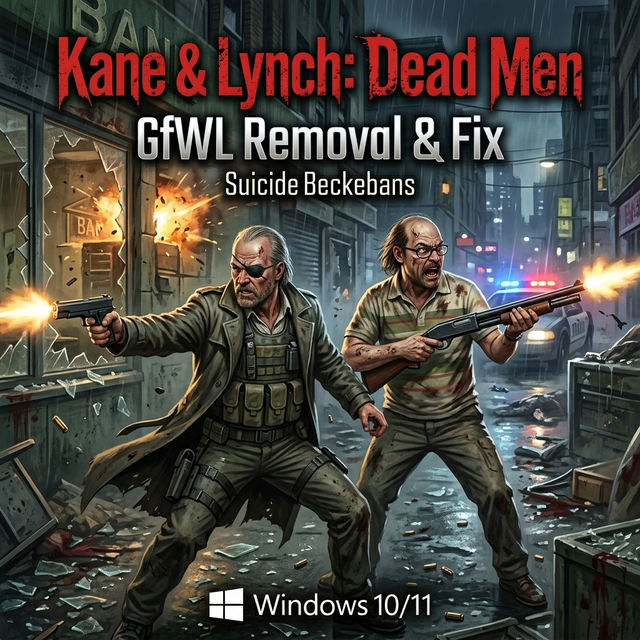
Experiencing issues while trying to play Kane & Lynch: Dead Men can be incredibly frustrating, especially when you know how thrilling the game can be. Despite its age, this action-packed title offers an engaging storyline and intense gameplay that keeps players coming back. However, many users face compatibility problems on modern systems like Windows 10 and 11, which can hinder the gaming experience.
Why This Happens?
The primary reason for these issues stems from the games reliance on the now-defunct Games for Windows Live (GfWL) service. As Windows updates have rolled out, compatibility with older software has diminished, leading to errors and crashes. Additionally, integrated GPU limitations and outdated DirectX versions can further complicate gameplay on newer operating systems.
Step-by-Step Fix
To resolve these issues, you can use the GfWL Removal & Fix tool developed by SuicideMachine. Follow these steps:
- Step 1: Download the GfWL Removal & Fix tool using the link provided on this page. The download is safe and official.
- Step 2: Extract the downloaded files to a convenient location on your PC.
- Step 3: Run the GfWL Removal & Fix executable as an administrator.
- Step 4: Follow the on-screen instructions to remove GfWL and apply the necessary fixes.
- Step 5: Once the process is complete, launch Kane & Lynch: Dead Men to check if the issues are resolved.
Optimization
If youre playing on a low-end PC, consider adjusting the graphics settings to enhance performance:
- Set graphics quality to Low or Medium.
- Disable unnecessary visual effects.
- Lower the resolution if experiencing FPS drops.
Conclusion
After following these steps, you should be able to enjoy Kane & Lynch: Dead Men without any major issues. If you encounter other problems or have tips to share, feel free to leave a comment below!

Comments